Canvas Portfolios - Exporting and Sharing Portfolios
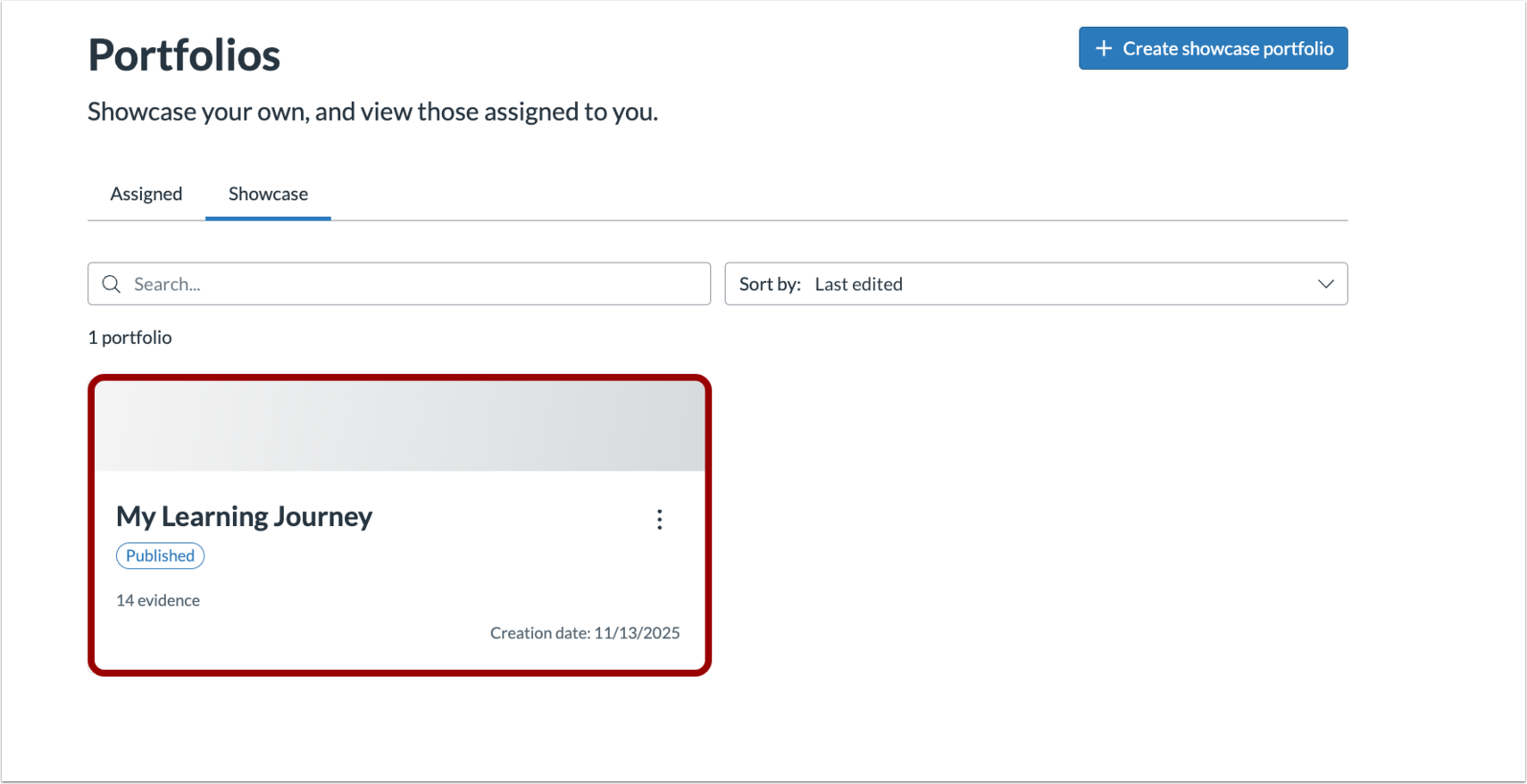
On the portfolio home page, select the portfolio you want to export or share.
Exporting Portfolios
Select Export and choose whether to export your portfolio as a PDF, HTML, or a bulk file download.

Sharing Portfolios
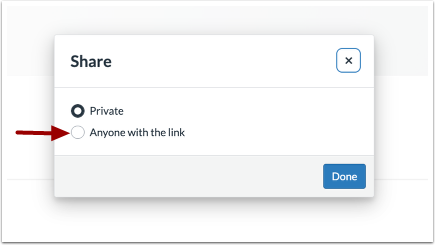
Select Share.

Select Anyone with the link.
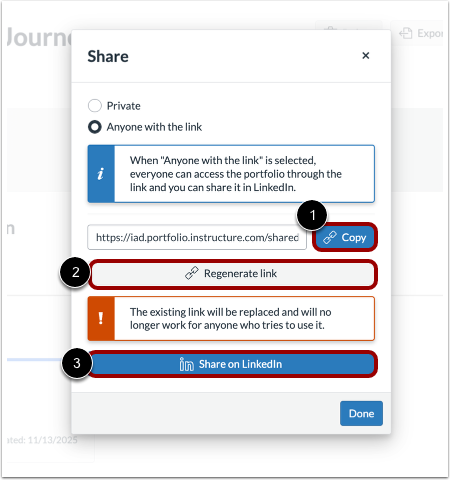
Select Copy or Regenerate link to copy your portfolio link.
Select Share on LinkedIn to share your portfolio directly on LinkedIn.
Sharing Individual Evidence
To share evidence without sharing the whole portfolio, select the evidence you wish to share and select Share.
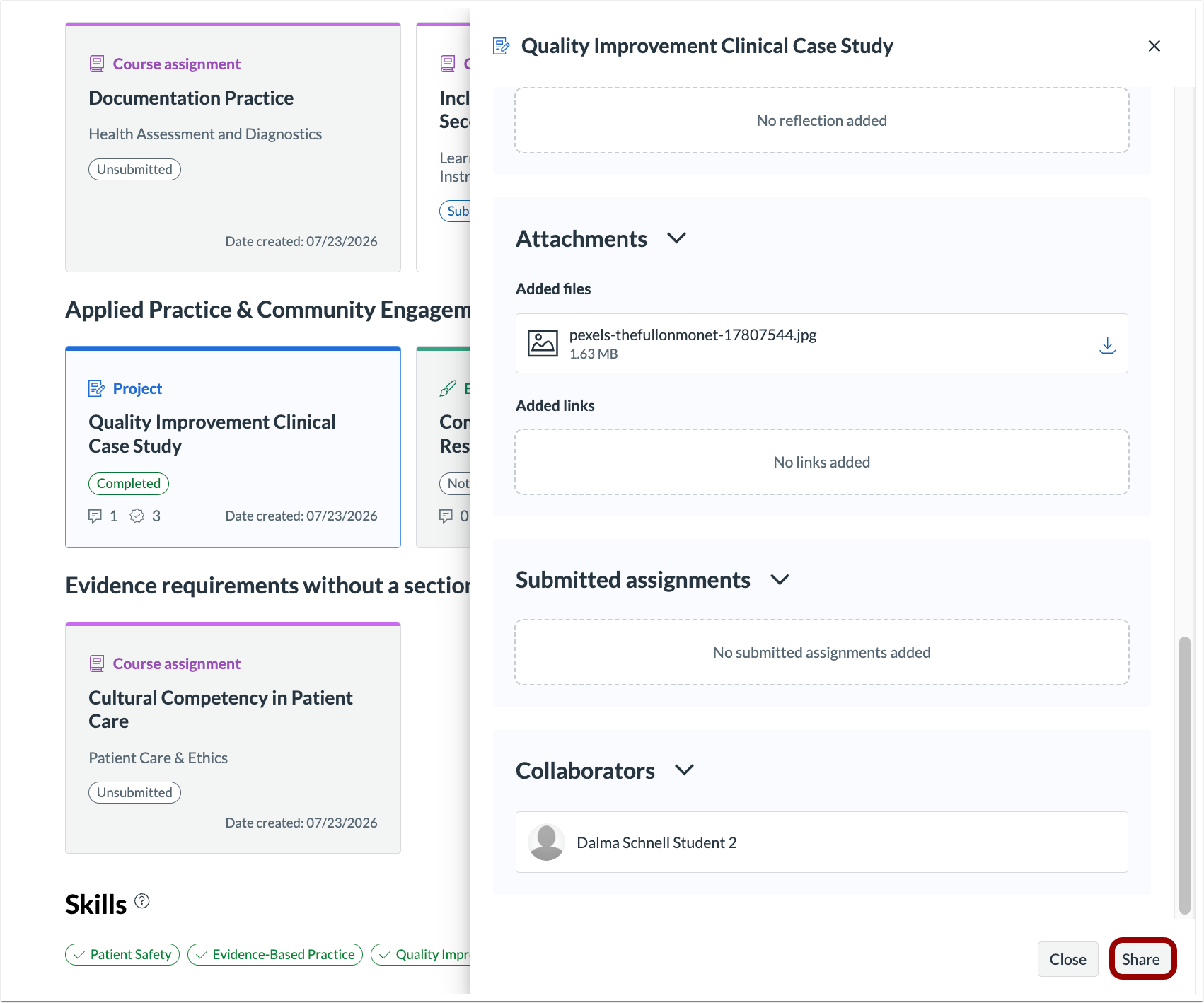
Select Allow anyone with the link to view and then select to copy the link or to share on LinkedIn.
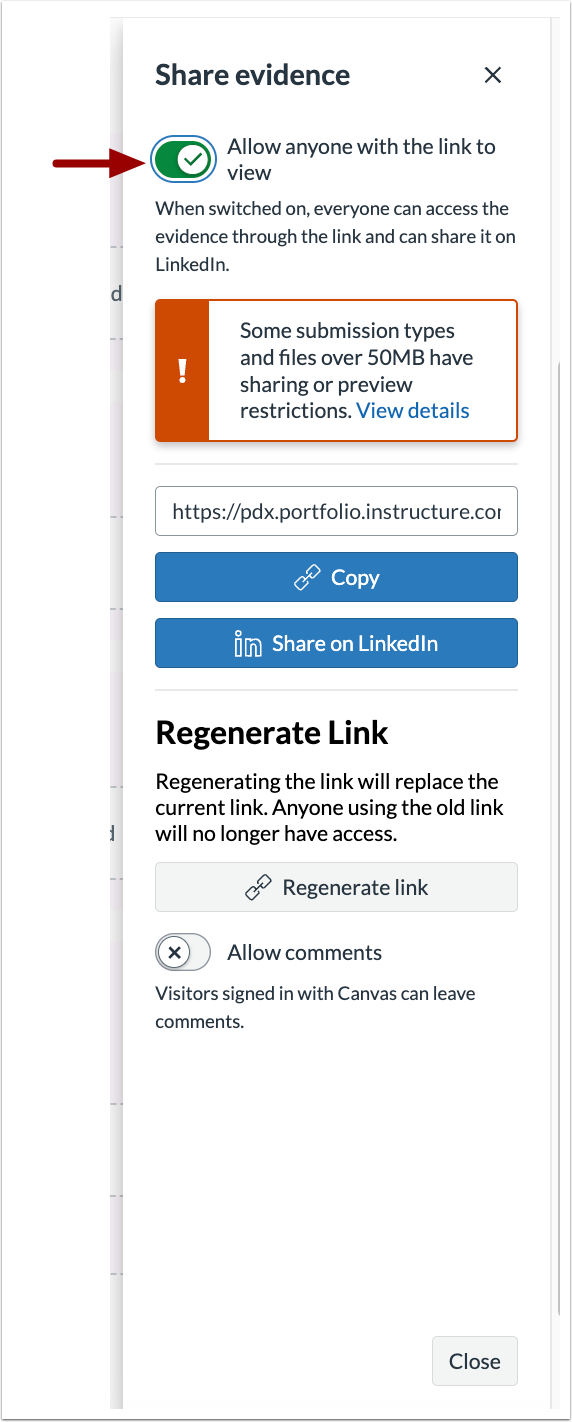
Note: Files over 50 MB are not shown in the shared view. The submission links out to the original assignment in Canvas and remains available for download by direct link in the non-shared view.
Allowing Comments
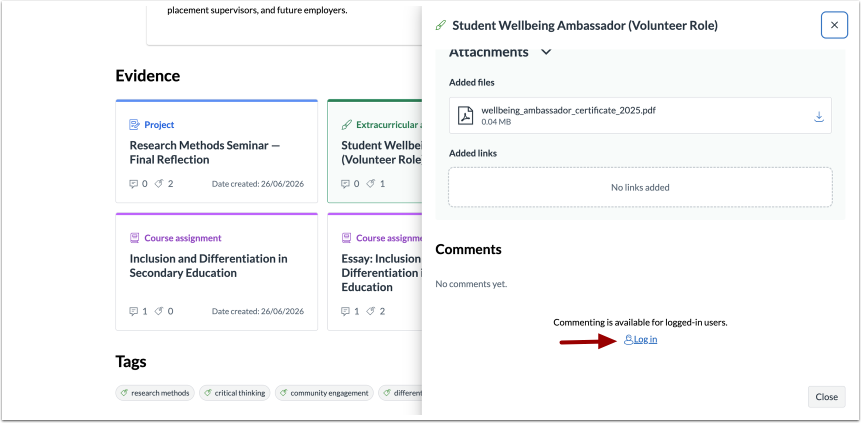
To let viewers comment on a shared portfolio evidence, select Allow Comments when you share it.
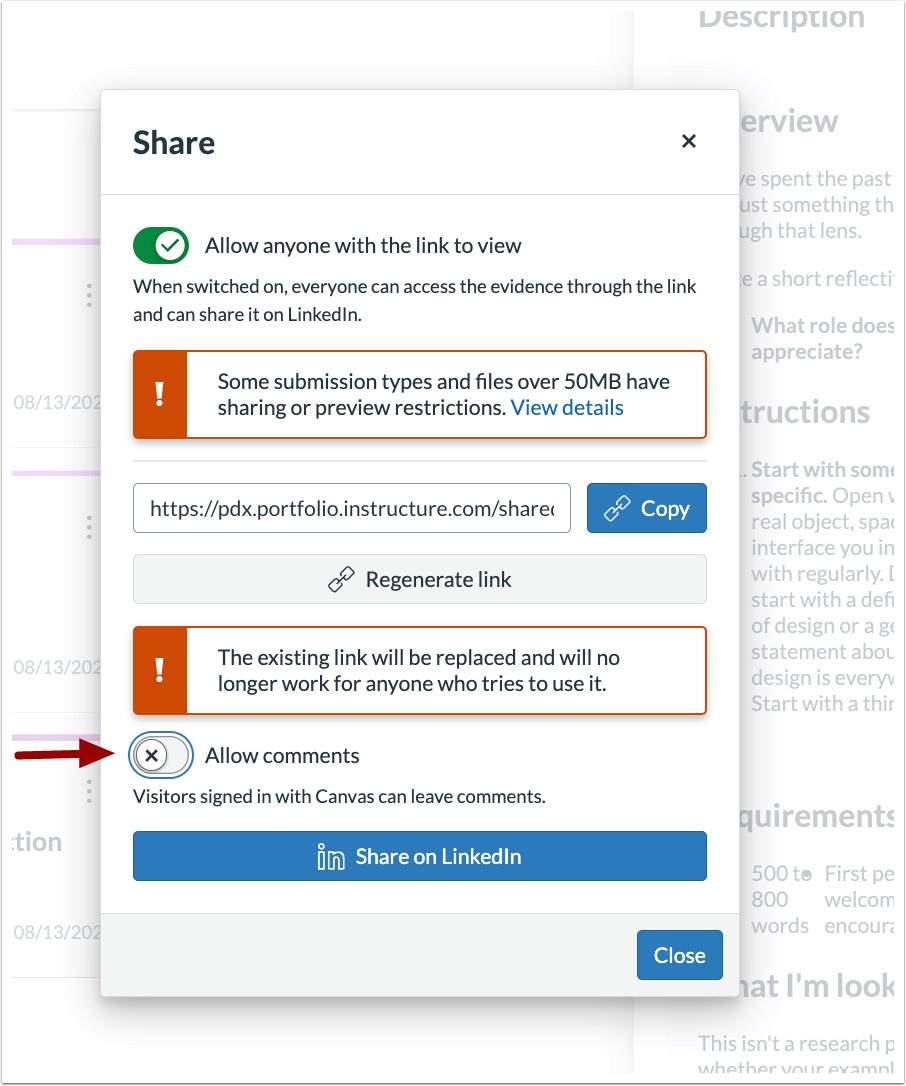
Viewers who want to comment will need to Log In.